
Downloading a public Instagram post takes just a link and a tap.
Most people who look for a free Instagram post downloader have the same goal: save a photo, video, or carousel without paying for an app or handing over their login details. That's exactly what a browser-based tool can do, as long as the post is public.
This article covers how a free post downloader works, what to expect from the download quality, and the exact steps to save a post on your phone or computer. We'll also go over common problems people run into and a few things worth knowing about copyright before you reuse anything you save.
Table of Contents
- What "Free" Actually Means Here
- How a Post Downloader Works
- Step-by-Step: Downloading a Post
- Phone vs Desktop
- Troubleshooting
- Free Tool vs Paid App
- Mistakes to Avoid
- Best Practices
- Copyright and Privacy
- Expert Advice
- Quick Summary
What "Free" Actually Means Here
Free usually comes with a catch somewhere, so it's fair to ask what that means for a downloader. With Insgramio, there's no signup, no paywall, and no limit tied to a subscription tier. You paste a link, the tool fetches the public post, and you download it.
The trade-off is scope, not cost. The tool only works with public content, since private posts aren't reachable outside the Instagram app itself.
How a Post Downloader Works
When you paste a post's link, the tool reads the same public page data your browser would load if you opened that post directly. It pulls out the photo, video, or carousel images and prepares them as downloadable files.
Because this depends on public data, quality depends on the source post. If Instagram compressed the original upload, the download reflects that. You'll get the highest available quality Instagram is serving for that specific post, not a restored or upscaled version.
Step-by-Step: Downloading a Post
- Open the Instagram post you want to save.
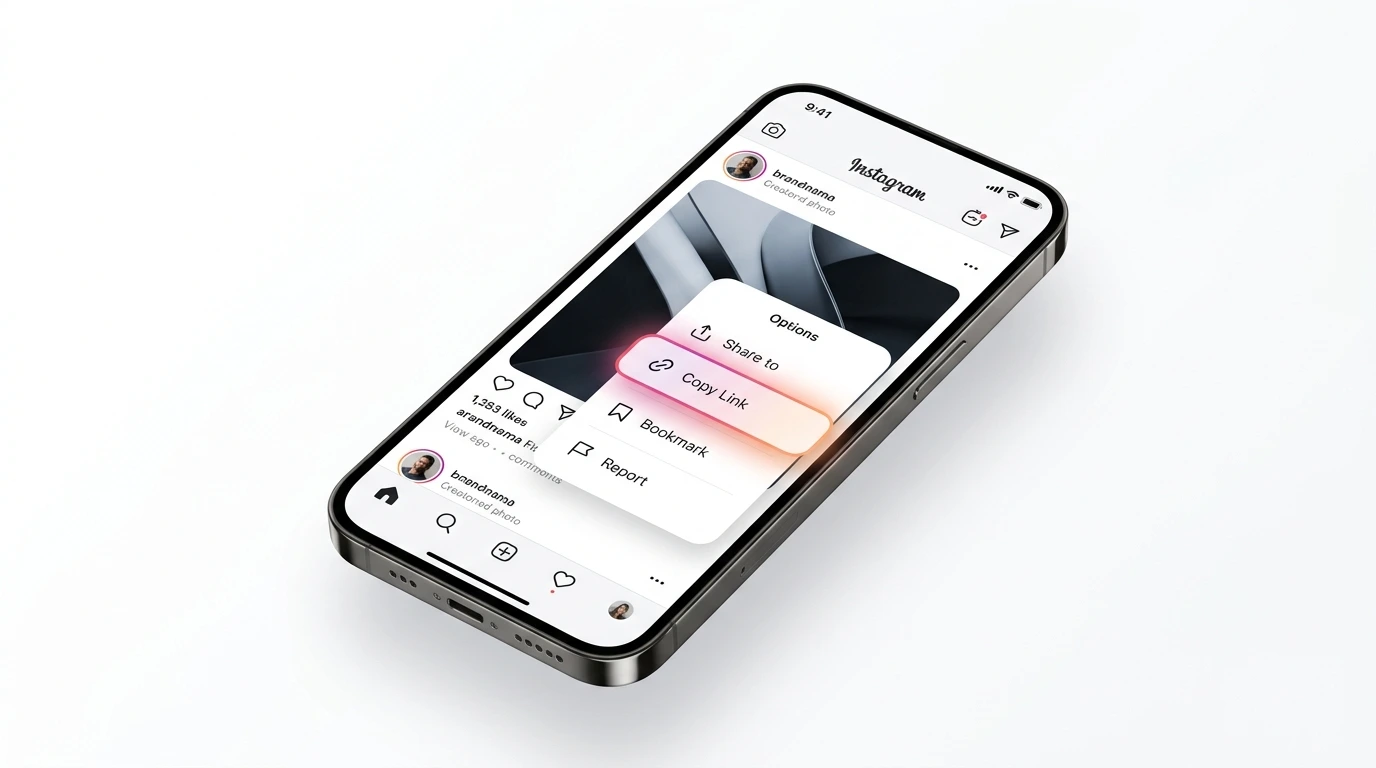
- Tap the three-dot menu or share icon and choose Copy Link.
Copy the post link before opening the downloader.
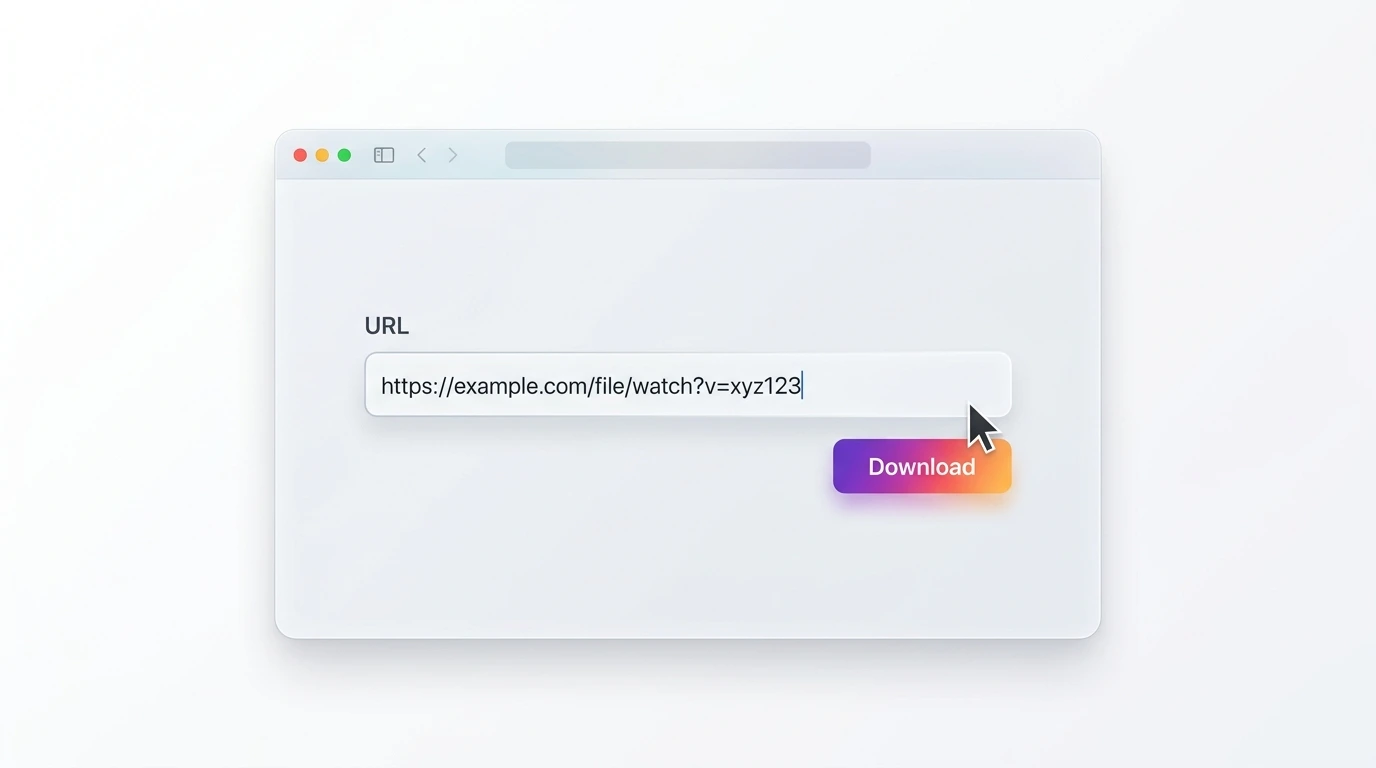
- Go to the Insgramio homepage and paste the link into the box.
- Tap Download and wait for the preview to load.
Paste the link and let the tool load the post.
- Select the file or files (for carousels) and save them to your device.
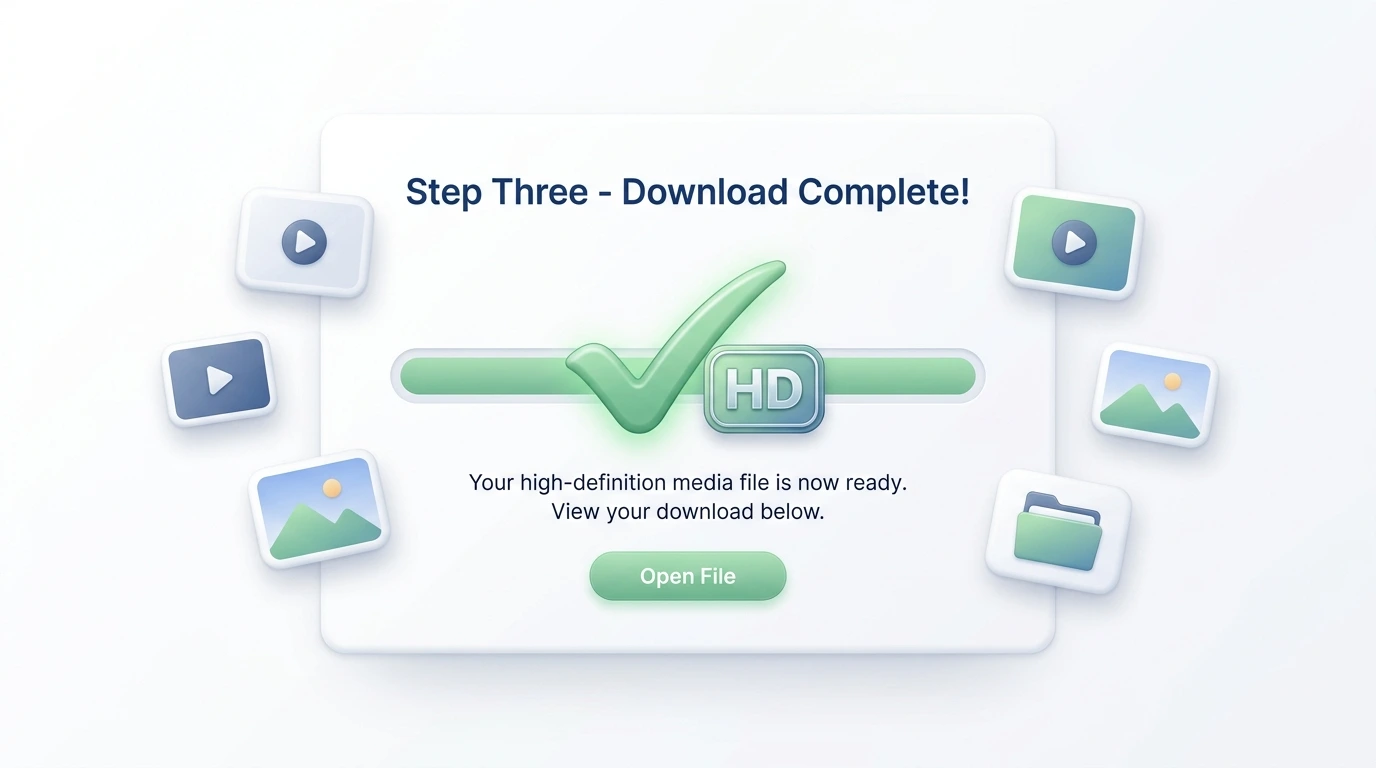
Save the finished file to your gallery or downloads folder.
If the post you're saving is a video, the same steps apply through the Instagram video downloader. For Reels specifically, use the Reels downloader instead, since it's built for that format.
Phone vs Desktop
On a phone, downloaded files usually land in your Photos app on iPhone or a Downloads folder on Android, depending on your browser. On desktop, files go to your browser's default downloads location, which tends to be quicker for saving multiple carousel images in a row.
Troubleshooting
Nothing happens after pasting the link
Check that you copied the full link and that the post is still public. A partial link or a post that's been switched to private won't load.
Only one image from a carousel downloaded
Carousel posts often need each photo saved one at a time. Look for separate download options for each image in the set.
The file looks lower quality than the app
This is usually the source file, not the tool. Results may vary depending on how Instagram compressed the original upload.
Free Tool vs Paid App
| Feature | Free Browser Tool | Paid Download App |
|---|---|---|
| Cost | No cost to use | Often requires a subscription or one-time fee |
| Installation | None needed | Requires downloading and installing an app |
| Account required | No login needed | Sometimes requires sign-up |
| Works for carousels | Yes, images saved individually | Varies by app |
Mistakes to Avoid
- Copying a shortened link instead of the full post URL.
- Assuming a private account's posts can be downloaded.
- Expecting higher quality than the original upload had.
- Reposting saved content without checking who owns it.
Best Practices
- Copy the link straight from the post, not from a repost or shared story.
- Save carousel images one at a time to keep them in order.
- Rename files as you save them so they're easy to find later.
- Confirm a post is still public if a download unexpectedly fails.
Copyright and Privacy
Downloading a post doesn't transfer ownership of it. The creator still holds the rights to their photo, video, or caption, and Instagram's terms of service still apply to how that content gets used afterward.
If you want to repost or share something you've downloaded, it's a good habit to ask the creator or at least give them credit. This isn't a legal guarantee of any kind, just a practical way to avoid problems down the line.
Expert Advice
Quick Summary
- A free Instagram post downloader needs no account, payment, or app install.
- Only public posts can be downloaded.
- Quality depends on the source post, not the download tool.
- Carousel posts may need each image saved separately.
- Copyright still applies to anything you download.
Once saved, your post is ready to view anytime, even offline.
Try it with your next post
Paste any public Instagram post link into Insgramio and download it in a few taps, free of charge.
Use Insgramio