
Saving a Reel doesn't have to mean installing another app.
Quick answer: You don't need to install a separate app to download Instagram Reels. A browser-based tool does the same job without asking for extra permissions, storage space, or account access. This guide covers how Reels downloading actually works, what to watch for in any app you consider, and the step-by-step process for saving a Reel in the highest available quality.
Why people look for a Reels download app
Instagram doesn't include a built-in "save to device" button for Reels the way it does for some other content. When someone sees a Reel they want to keep, the instinct is often to search for an app that promises to fix that gap. That search makes sense, but it skips a question worth asking first: does this actually need to be an app?
App vs. browser tool: what's the real difference
A downloader app typically asks for storage access, sometimes notification permissions, and takes up space on your device. It also needs updates over time to keep working as Instagram changes its site.
A browser-based tool does the same core job — pulling the public video file from a link you paste in — without installation. You open a page, paste a link, and download. Nothing sits on your phone afterward except the video file itself.
Neither approach can access private accounts. That's not a feature difference between apps and browser tools — it's a limit set by Instagram itself, and any tool claiming otherwise should be treated with suspicion.
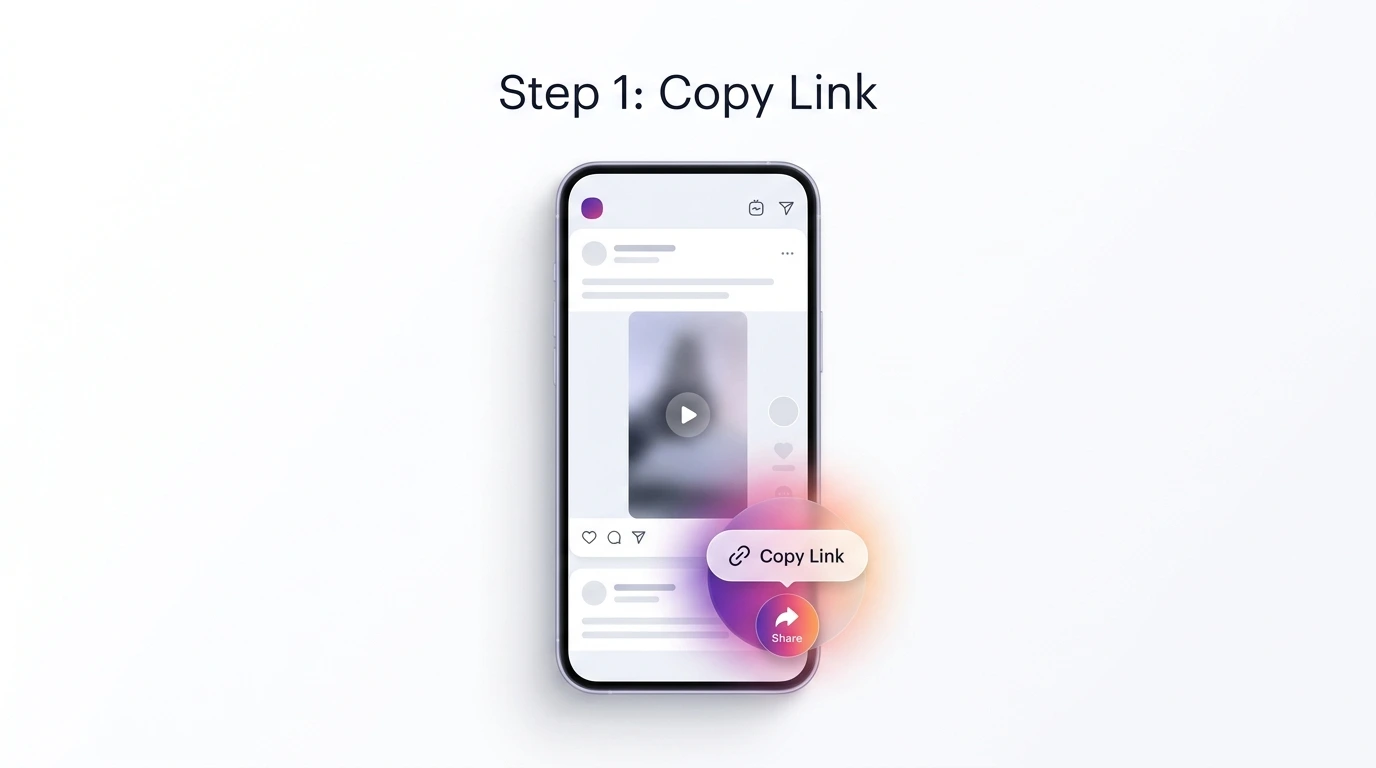
Step one: get the link directly from the post.
How Reels downloading actually works
A Reel is a video file hosted on Instagram's servers. When you copy a Reel's link and paste it into a downloader, the tool reads that public link, locates the video file behind it, and gives you a direct download. No account login is involved, and no data is pulled beyond what's already publicly visible on the post.
The output quality depends entirely on the source post. If the original Reel was uploaded in HD, the download will reflect that. If the creator posted at a lower resolution, the downloaded copy will match — no tool can add quality that wasn't in the original upload.
Step-by-step: saving a Reel
- Open the Reel you want to save inside Instagram.
- Tap the three dots (⋯) in the top corner of the post and select Copy Link.
- Go to the Instagram Reels Downloader and paste the link into the box.
- Tap Download. The file saves in the highest available quality based on the original post.
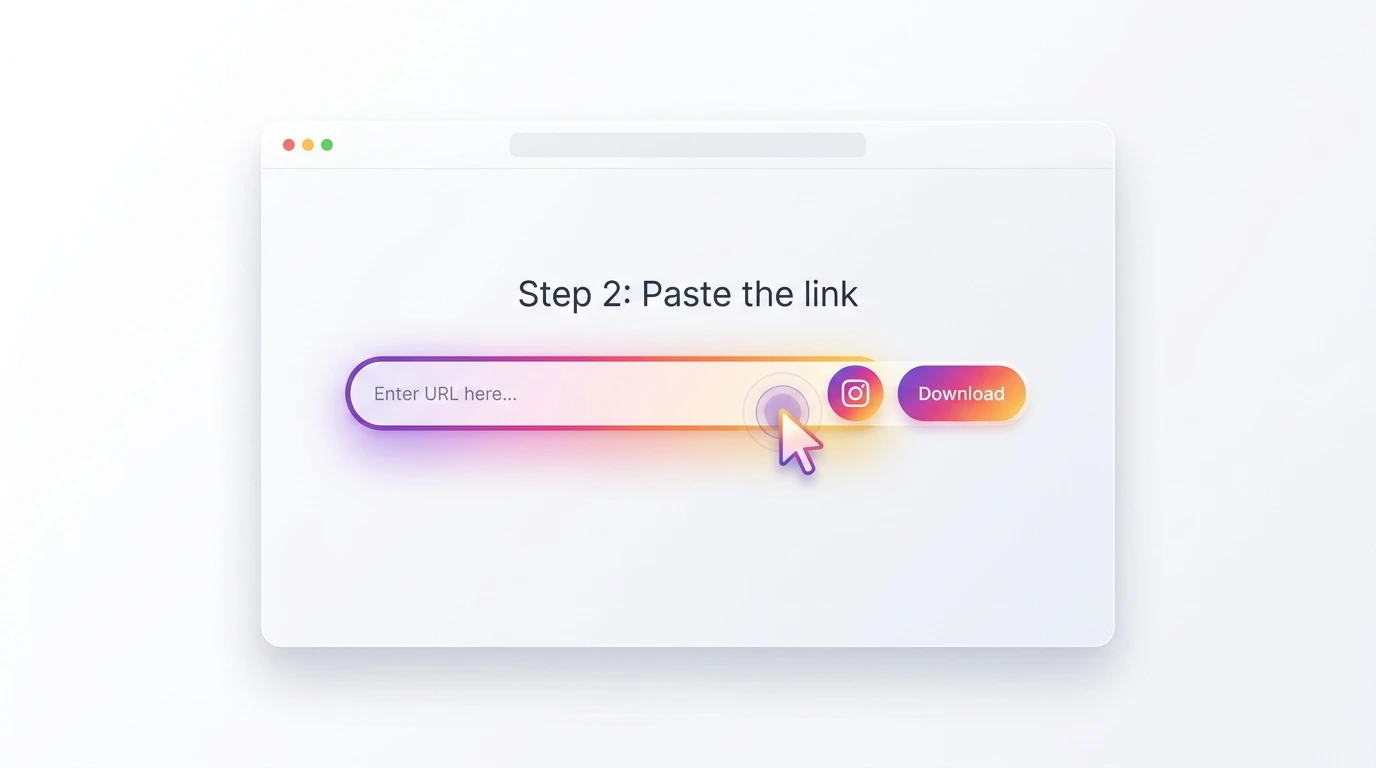
Step two: paste the link and start the download.
Mobile and desktop guidance
On iPhone, the downloaded file usually prompts a save location or lands in your Files app, depending on your browser settings. On Android, it typically goes straight to your Downloads folder, and you can move it into your gallery from there. On desktop, the file saves to your browser's default download location, the same as any other file you'd download from a website.
Troubleshooting common problems
If a download doesn't start, check these first:
- The link is incomplete or wrong. Make sure it was copied directly from the post's share menu, not from a bio link or a shortened redirect.
- The account is private. Content from private accounts can't be accessed by any downloader, including this one.
- The post was deleted or archived. If the Reel no longer exists on Instagram, there's nothing left to pull.
- The page seems stuck. Refresh and paste the link again — this usually resolves temporary loading issues.
Common mistakes to avoid
A few habits cause most of the frustration people run into:
- Copying a profile link instead of the specific Reel's link.
- Assuming a private account's content can be accessed with the "right" tool — it can't, by design.
- Installing an app that asks for Instagram login credentials. A legitimate tool never needs your password.
- Expecting downloaded quality to exceed what the creator originally posted.
Privacy and copyright basics
Downloading a public Reel for personal viewing is generally low-risk. Where things get more complicated is redistribution — reposting someone else's content as your own, or using it commercially without permission. The content still belongs to whoever created it, regardless of how it was saved. If you're planning to reuse a Reel beyond personal viewing, it's worth reaching out to the original creator directly.
Results may vary depending on the original post's quality and availability. This tool works with public content only.
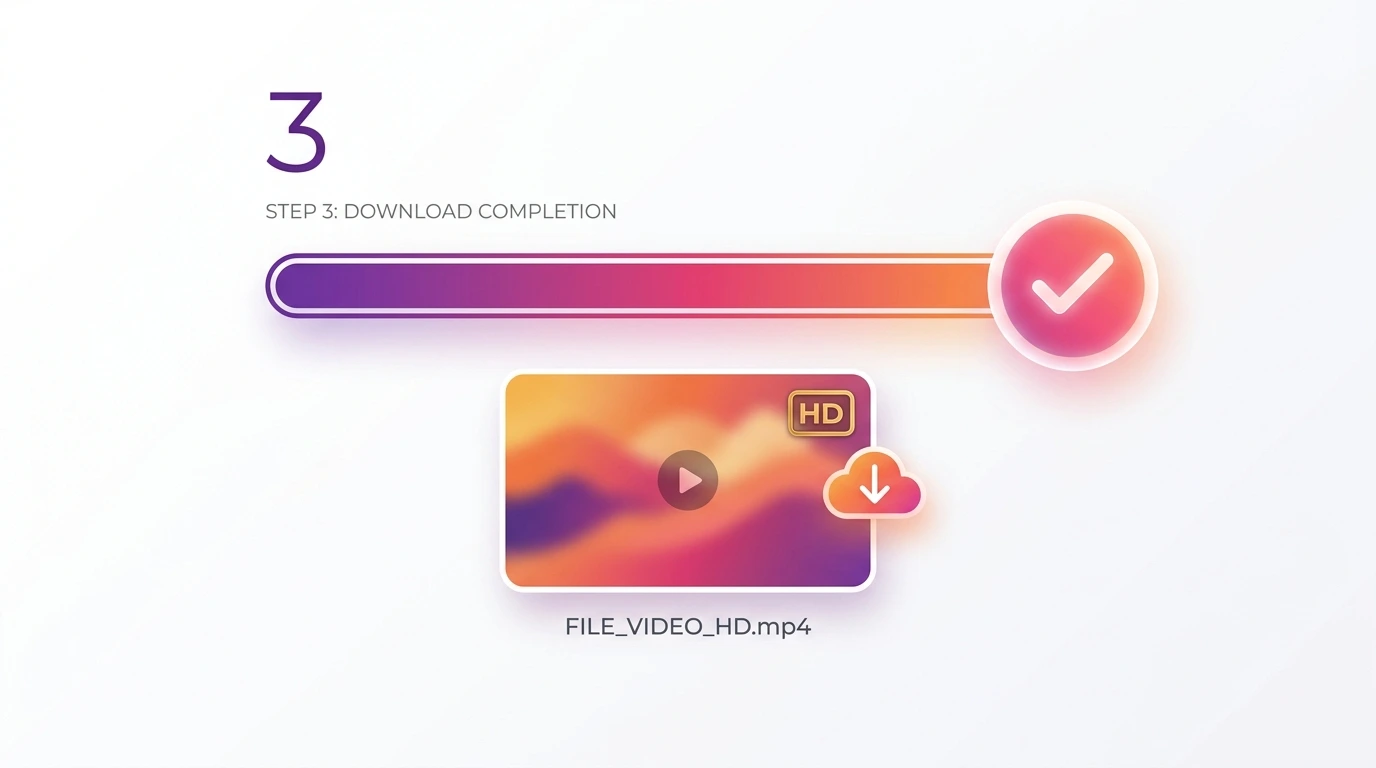
Once downloaded, the Reel is yours to view anytime, even offline.
Quick summary
You don't need a dedicated app to download Instagram Reels. A browser-based tool gets the same result without extra permissions or installs, works the same way on mobile and desktop, and only ever accesses public content. Copy the link, paste it, and download — that's the entire process.
Ready to save a Reel? Try the Instagram Reels Downloader — no app, no login, no watermark.
Frequently asked questions
Do I need to install an app to download Instagram Reels?
No. A browser-based downloader can save Reels without any installation, using only the public link to the post.
Is it safe to use a browser-based Reels downloader?
Tools that don't ask for your Instagram login and only work with public links are generally safe. Avoid any tool that requests your password.
Can I download Reels from a private account?
No. Private account content can't be accessed by any downloader, app or browser-based. This is a limit set by Instagram, not the tool.
Will the downloaded Reel be the same quality as the original?
Yes, the download reflects the highest available quality of the source post. If the original was uploaded in lower resolution, the download will match that.
Does downloading a Reel notify the original creator?
No. Viewing and downloading a public post doesn't send a notification to the account that posted it.
Can I download Reels on both iPhone and Android?
Yes. The process works the same way on any device with a browser, including iPhone, Android, and desktop computers.
Why did my download fail?
The most common causes are an incomplete link, a private account, or a deleted post. Double-check the link was copied directly from the post's share menu.
Is it legal to download Instagram Reels?
Downloading public content for personal use is generally low-risk. Reposting or using someone else's content commercially without permission is where legal issues can arise.
Does the downloaded Reel include the original audio?
Yes, the audio track is included as part of the video file, exactly as it appears in the original post.
Can I download multiple Reels at once?
Each download is processed one link at a time. There's no limit to how many Reels you can download overall, just not in a single batch action.
Do I need to log in to Instagram to use the downloader?
No login is required. You only need the public link to the Reel you want to save.
What should I do if a Reel downloads but won't play?
Try opening the file with a different media player, or re-download it in case the file was interrupted during saving.