
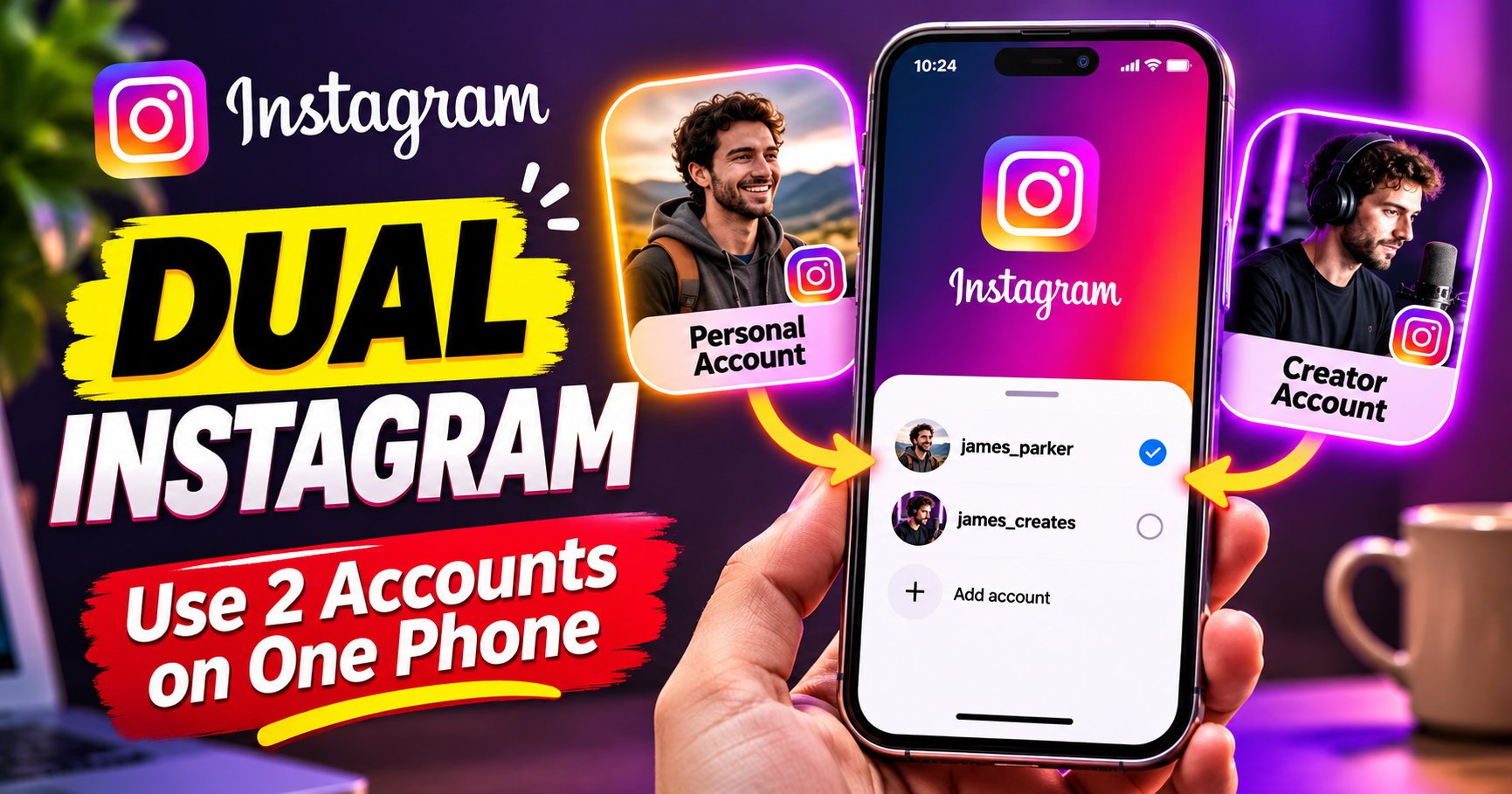
Want to keep your personal Instagram account separate from your business, creator, or second profile without buying another phone? A dual Instagram setup makes managing two accounts on a single device much easier.
Whether you use an Android phone or an iPhone, there are several ways to access multiple Instagram profiles without repeatedly entering your login details. You can use Instagram’s built-in account switcher, your phone’s app cloning feature when supported, or a separate web browser.
This guide explains how each method works, which option is best for your device, and how to keep your accounts secure.
Quick Answer
- Instagram allows you to add and switch between multiple accounts within its official app.
- Some Android phones support separate copies of compatible applications.
- iPhone users can use the official Instagram app and a web browser for separate sessions.
- You do not need an unofficial modified Instagram application to manage two accounts.
What Is Dual Instagram?
Dual Instagram refers to using two separate Instagram accounts or application instances on the same smartphone. It is especially useful for people who want to separate their personal activities from professional content, business promotions, or creator accounts.
There are two important differences to understand:
- Multiple accounts: You use one Instagram application and switch between different profiles.
- Cloned applications: You use two separate instances of Instagram, potentially with different login sessions.
Both approaches can help you manage multiple profiles, but cloned applications are not supported on every smartphone.
3 Best Ways to Use Two Instagram Accounts
| Method | Android | iPhone | Best For |
|---|---|---|---|
| Instagram account switching | Yes | Yes | Most users |
| Built-in app cloning | Supported devices only | No general native option | Separate app sessions |
| App and web browser | Yes | Yes | Separate login environments |
Method 1: Use Instagram’s Built-In Account Switcher
The easiest way to create a dual Instagram experience is to use the account management feature already available inside the official application.
This method does not require additional cloning software or a second smartphone.
How to Add a Second Instagram Account
- Open the Instagram application on your smartphone.
- Tap your profile picture in the bottom-right corner.
- Open the menu in the upper-right corner.
- Find the Add Account option. Depending on your app version, it may also appear when you tap your username.
- Choose the option to log into an existing account.
- Enter the login details for your second Instagram account.
- Complete any required security verification.
Your second profile should now appear in the account switcher.
How to Switch Between Instagram Accounts
- Open your Instagram profile.
- Tap your username at the top of the screen.
- Select the account you want to use.
- Confirm that the correct username and profile picture appear before posting.
You can visit the official Instagram Help Center for current account management instructions.
Method 2: How to Set Up Dual Instagram on Android
Some Android smartphones include a built-in feature that creates an additional instance of a compatible application. This can be useful if you prefer separate Instagram icons instead of switching accounts within one app.
The feature name and supported applications depend on your smartphone manufacturer, model, and software version.
| Phone Brand | Feature to Look For |
|---|---|
| Samsung | Dual Messenger |
| Xiaomi, Redmi and POCO | Dual Apps |
| OnePlus | App Cloner or Parallel Apps |
| OPPO | App Cloner |
| Realme | App Cloner |
| Vivo | App Clone |
These are examples of manufacturer features to look for. They do not guarantee that Instagram is supported on your particular device.
How to Clone Instagram on a Supported Android Phone
- Open your smartphone’s Settings application.
- Search for Dual Apps, App Clone, App Cloner, or Parallel Apps.
- Open the relevant settings menu.
- Check whether Instagram appears in the supported application list.
- Enable the cloning feature for Instagram if available.
- Open the additional Instagram icon.
- Sign into your second account.
If Instagram is not listed, your phone may not support cloning it. Use the official account switcher instead of installing an unknown APK.
For additional device assistance, consult Google Android Help or your smartphone manufacturer’s official documentation.
Method 3: How to Use Dual Instagram on iPhone
Unlike certain Android smartphones, iPhones do not generally provide a built-in feature for creating a second independent copy of Instagram.
However, you can still access two accounts through the Instagram application and Safari.
Use Instagram and Safari Together
- Open the official Instagram application.
- Sign into your primary account.
- Open Safari on your iPhone.
- Visit Instagram.com.
- Sign into your second Instagram account through the browser.
- Switch between the application and Safari whenever necessary.
Because the application and browser maintain separate sessions, this approach offers a convenient alternative to app cloning.
Remember that some Instagram editing, publishing, and messaging features may behave differently in the browser.
Why Do People Use Two Instagram Accounts?
A dual Instagram setup can help organize your online activities and reduce confusion between different types of content.
- Personal and professional profiles: Keep everyday photos separate from work-related posts.
- Business management: Manage a store or brand without leaving your personal account.
- Content creation: Maintain separate profiles for different content niches.
- Photography: Keep a professional portfolio separate from casual photos.
- Social media management: Organize authorized accounts belonging to different projects.
Is It Safe to Use Two Instagram Accounts?
Using Instagram’s official account switching feature is generally the simplest and safest choice for most people.
Built-in cloning features from smartphone manufacturers may also be useful. However, unofficial modified Instagram applications can introduce additional privacy and security risks.
Follow these precautions:
- Install Instagram from the official Google Play Store or Apple App Store.
- Enable two-factor authentication on both accounts.
- Use strong, unique passwords.
- Avoid unknown Instagram cloning APK files.
- Never enter your password into an untrusted third-party website.
- Review connected accounts and saved login information regularly.
- Check the active profile before publishing content or sending messages.
Separate Instagram profiles do not automatically guarantee anonymity or prevent Meta from associating accounts or devices.
How to Fix Dual Instagram Not Working
If your second account is not opening, switching correctly, or receiving notifications, try these troubleshooting steps.
1. Update Instagram
Install the latest available Instagram update from your official application store. Older versions may have different menus or compatibility problems.
2. Restart Your Smartphone
Restarting your device can help resolve temporary application errors and background processing problems.
3. Check App Cloning Compatibility
Not every Android phone supports cloning Instagram. Check your device settings to confirm that Instagram appears in the supported application list.
4. Check Notification Permissions
Open your smartphone’s notification settings and confirm that notifications are enabled for the relevant application. Also review notification preferences within each Instagram account.
5. Check Your Login Information
Make sure you are entering the correct password and completing any required two-factor authentication steps.
Frequently Asked Questions
Can I have two Instagram accounts on one phone?
Yes. Instagram supports multiple accounts within its official application, allowing you to switch between profiles without repeatedly signing out.
Can I use dual Instagram without downloading another app?
Yes. Instagram’s built-in account switcher allows you to manage separate profiles without installing additional applications.
Can I install two Instagram apps on an iPhone?
iPhones do not generally offer a native Instagram cloning feature. You can instead use the Instagram application alongside Safari.
Will adding another Instagram account delete my existing account?
No. Adding a second account does not delete your original profile, posts, followers, or messages.
Can I receive notifications from both Instagram accounts?
Yes, notifications may be available for multiple added accounts. However, delivery depends on application settings, device permissions, and background activity restrictions.
Is a third-party Instagram clone APK necessary?
No. Most users can manage their accounts through official Instagram features without installing unofficial cloning applications.
Choose the Best Instagram Setup for Your Phone
The best dual Instagram method depends on your smartphone and how you prefer to manage your profiles. For most users, Instagram’s official account switcher offers the most convenient solution.
If you need separate application instances, check whether your Android phone supports native app cloning. On iPhone, using Instagram alongside Safari is a practical alternative.
For more helpful tutorials and information about Instagram, explore Instagram guides from InsgramIO.
InsgramIO is an independent informational website and is not affiliated with Instagram or Meta. Application features and settings may vary depending on your device and software version.